Use the rich text toolbar to format text in a message interaction
To format text in a message interaction, use the rich text toolbar:
To access the toolbar, below the interaction window, click Toolbar  .
.
Notes:
- Different options appear on the toolbar depending on the message channel.
- You cannot mix markdown syntax with toolbar formatting.
- To scroll to the bottom of the message, click Scroll to bottom . This functionality is not tab accessible. However, you can access the functionality using the key combinations for your operating system:
- MacOS keyboard shortcut: Command+the Down arrow keys
- Windows keyboard shortcut: Page down or Ctrl+End keys
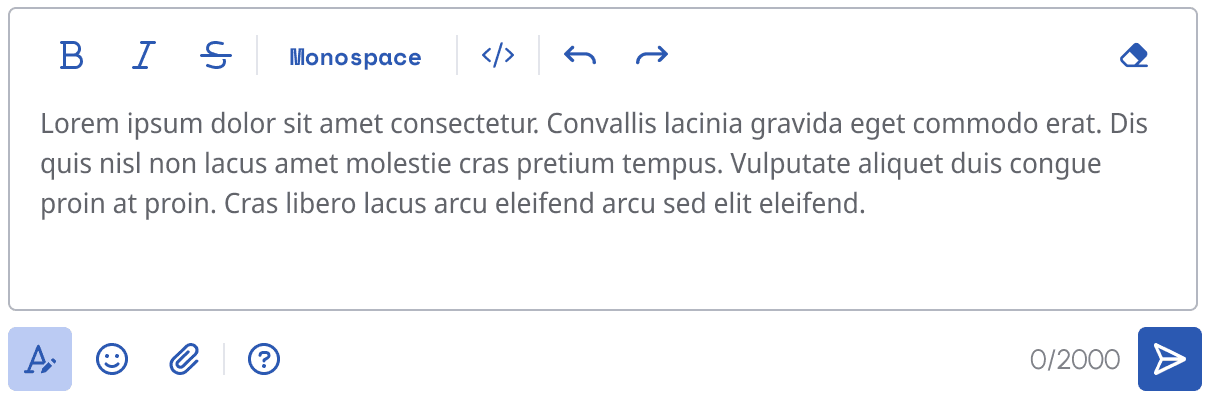
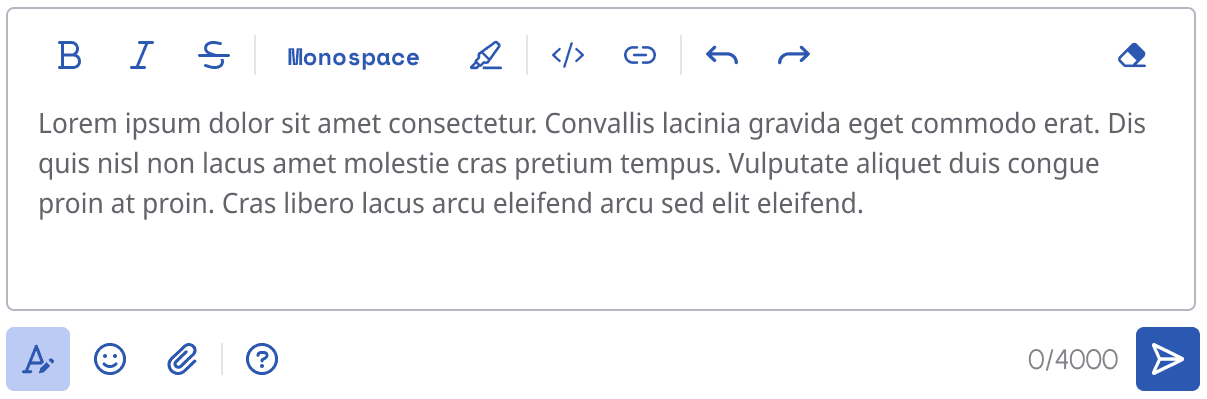 To format text, select the text that you want to format and click one of the following:
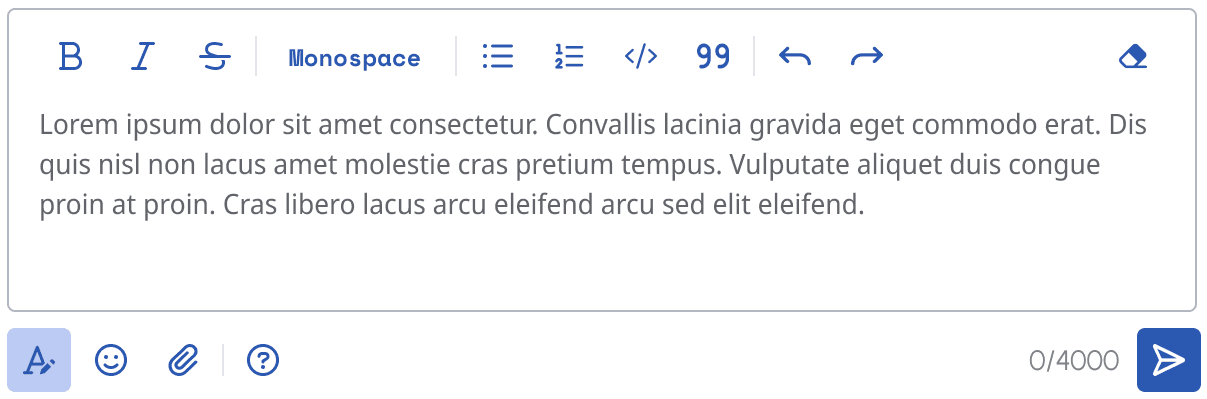 To format text, select the text that you want to format and click one of the following:
Note: To expand the text entry window, click and pull Resize .
[NEXT] Was this article helpful?
Get user feedback about articles.