Remove a BYOC Premises edge from Genesys Cloud
You can remove a physical edge from Genesys Cloud when you no longer need the edge.
Note: Before you remove an edge, make sure that you:
- Keep the edge powered on
- Keep the edge online
- Keep the edge connected to the network
- Keep the edge connected to the organization
- Take the edge out of service.
- Click the edge name to access the Edit Edge page.
- Locate the edge information panel on the right side of the page.
- Locate the Cloud Connectivity section and click Unpair Edge.
- When you see the confirmation prompt, click Unpair.
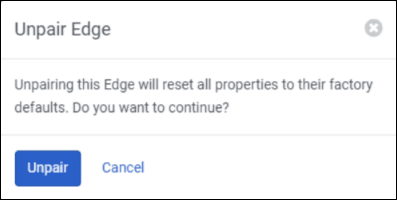
In a moment, the edge disappears from the Edge list and is removed from Genesys Cloud.
[NEXT] Was this article helpful?
Get user feedback about articles.