Browse video content
The Resource Center offers several videos that provide concise, easy-to-understand overviews and introductions to various topics. You can browse available videos from the Resource Center home page.
On the Resource Center home page, click the Videos tile. The Videos page appears.
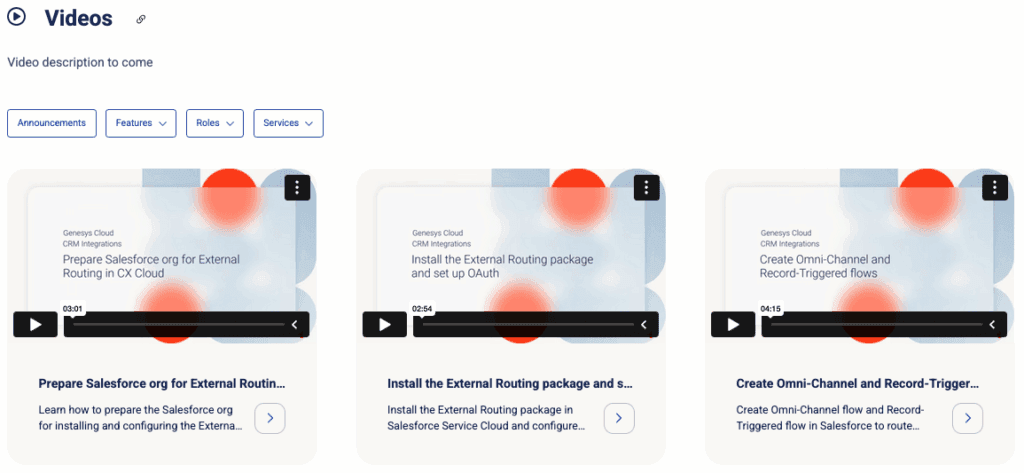
On the Videos page, you can filter videos by features, user roles, and services. You can also specifically filter for announcement videos only.
You can display more videos by clicking See more on the bottom of the page.
You can watch a video directly on this page, or you can click more > to open the dedicated page of a specific video.
The dedicated page of a video includes a short summary for the video and highlighted parts in the video. This page also provides links to articles that include the video. These articles are a good starting point to drill down into a topic.
[NEXT] Was this article helpful?
Get user feedback about articles.