Access voicemail and recordings in CX Cloud
If your administrator has added the user inbox component, you can see if you received a new personal voicemail and easily access it from the Salesforce Service Cloud Voice console. You also get to access your call recordings that you have recorded and stored via Genesys Cloud.
The following illustration shows the voicemail component that opens from the utility bar:
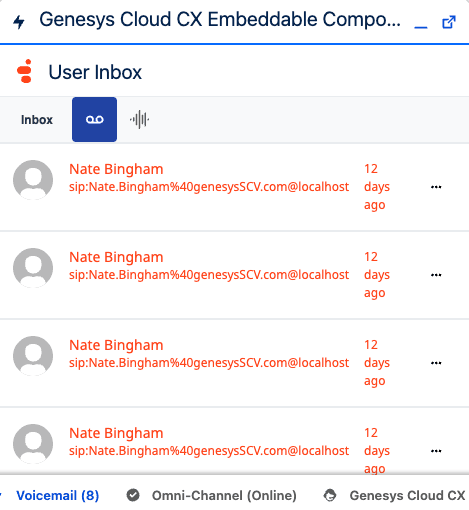
If the component is docked in the utility bar, an unread count badge appears on the component icon. The badge count increases when a new voicemail is received and decreases when a voicemail is played, making it easy to identify voicemails that need attention.
To listen to a voicemail, click open a voicemail from the list and the playback controls appear:
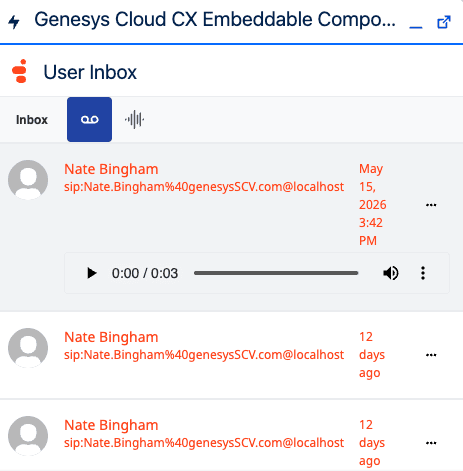
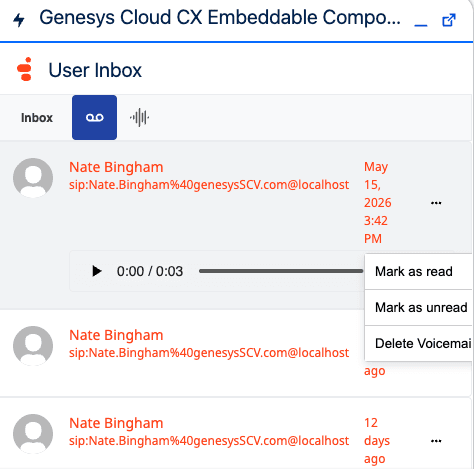
You can select the voicemail as unread or read, and delete it.
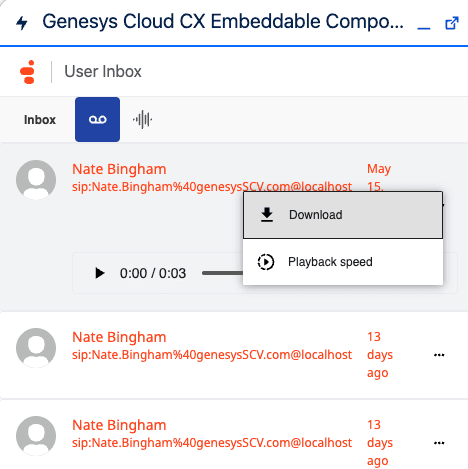
To download the voicemail, click open a voicemail for the playback controls. In the playback controls, click More and then select Download.
You can now access recordings that are stored in your Genesys Cloud inbox from the Recordings tab in the user inbox component. For more information about user recording, see Call recording overview in Genesys Cloud.
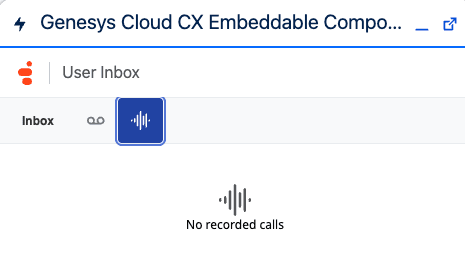 Recordings tab in the voicemail component in CX Cloud." class="size-full wp-image-421614 alignnone" srcset="https://help.mypurecloud.com/wp-content/uploads/2026/05/voicemail-recordings.png 465w, https://help.mypurecloud.com/wp-content/uploads/2026/05/voicemail-recordings-300x172.png 300w" sizes="auto, (max-width: 465px) 100vw, 465px">
To open and play a recording, select a recording from the list. The playback control appears. You can now listen to, share, and manage recordings from the inbox. For more information, see Listen to recordings.
[NEXT] Was this article helpful?
Get user feedback about articles.