Switch between light and dark modes in Architect
You can use a light or dark theme in Architect to change the overall appearance of the Architect UI based on your comfort. By default, Architect uses the light theme. You can enable dark mode, which darkens the color scheme so the content you are working on stands out, while menus and settings seem to recede into the background.
Use a light or dark theme
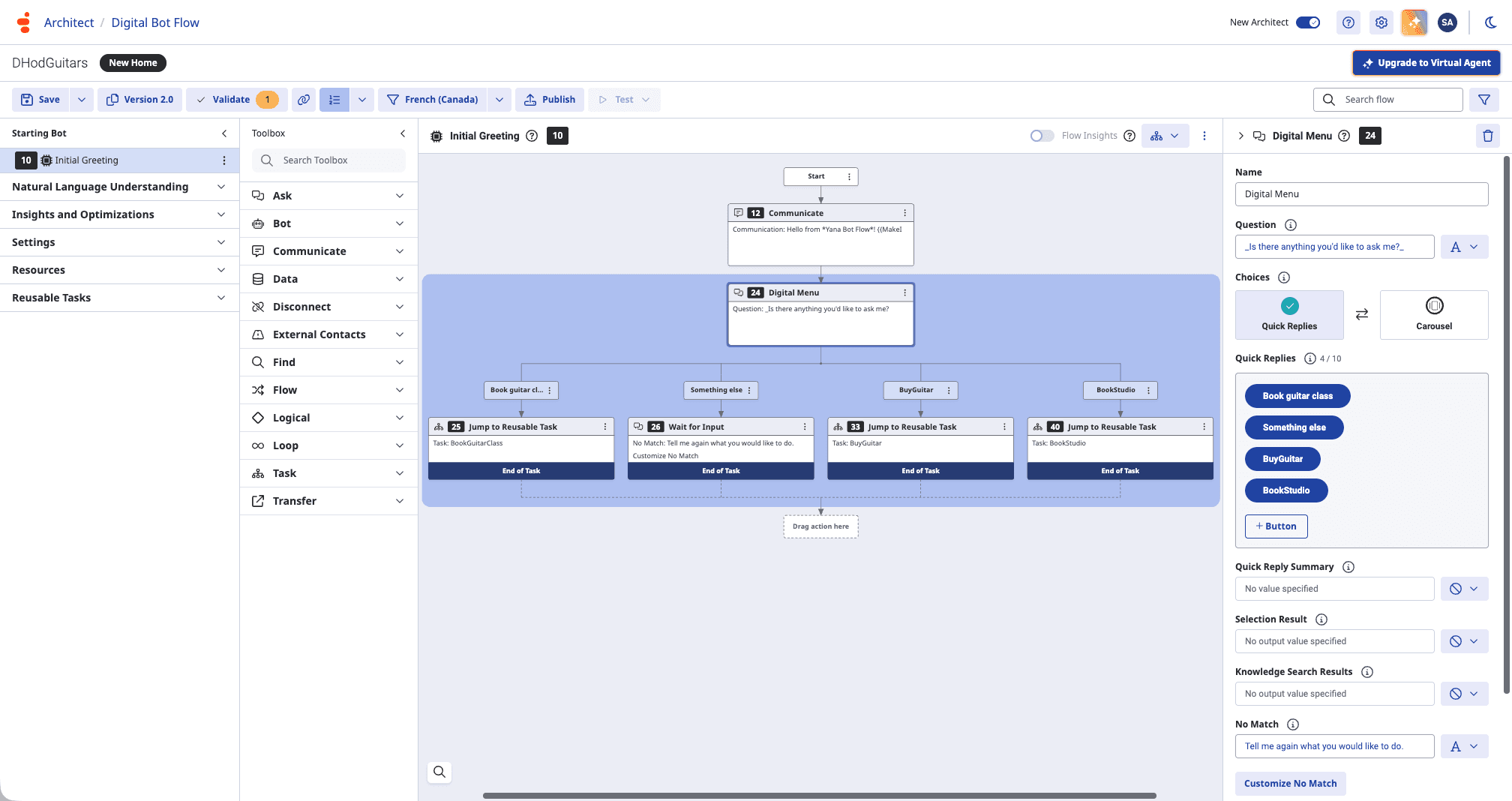
To enable dark mode, click Enable Dark Mode in the top navigation bar.
To switch back to light mode, click Enable Light Mode in the top navigation bar.
[NEXT] Was this article helpful?
Get user feedback about articles.