AI-generated summary
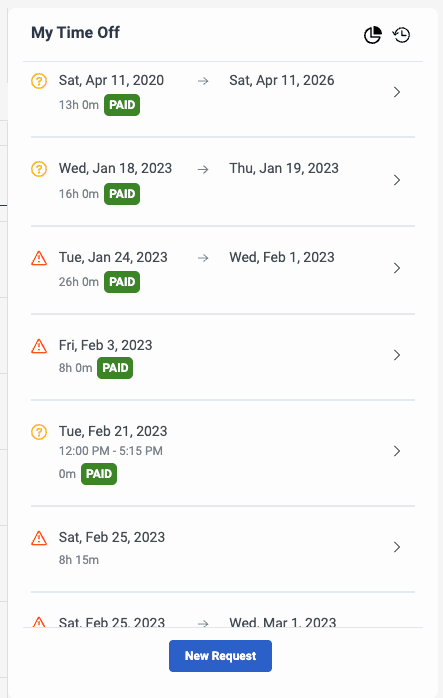
Genesys Cloud provides a time-off requests pane that displays and manages employee time-off requests across multiple statuses and categories. The interface includes three primary sections: My Time-off (showing pending, approved, and denied requests with expandable details), Time-off History (displaying past approved, denied, and canceled requests), and Time-off balances (listing available time-off by category).
The system supports multiple request statuses with distinct approval workflows. Approved requests result from either manual administrator approval or automatic system approval based on configured auto-approval rules. Pending requests await administrator intervention and may include specific conditions: invalid duration (when requested time conflicts with scheduled hours or work plan assignments), insufficient balance, outside shift compatibility, waitlist status (awaiting availability within a defined window), restricted activity codes in the published schedule, removal from waitlist (such as when agents transfer between management units), expired waitlist windows, blocked dates (overlapping configured override dates), dates requiring manual review, or manual approval designation within the time-off plan. Additional statuses include canceled requests and denied requests from administrator rejection.
The system automatically validates time-off requests against agent schedules, work plans, and rotation assignments. For agents without current schedules or associated work plans, requests remain in pending status and require manual administrator intervention. The auto-approval process considers shift compatibility, time-off balance availability, activity code restrictions, and configured approval policies to determine whether requests can be processed automatically or require human review.