Genesys Cloud FedRAMP Region – Structured form messaging for Apple Messages for Business
| Announced on (YYYY-MM-DD) | Effective date (YYYY-MM-DD) | Aha! idea |
|---|---|---|
| 2025-09-22 | 2025-12-15 | Aha! idea |
In a future release, Genesys Cloud will introduce a new Forms message type for use with Apple Messages for Business. This structured message format allows administrators, bot authors, and agents to present customers with a step-by-step guided experience to collect information directly embedded into Apple Messages. Forms for Apple Messages for Business support:
- Efficient data collection with fewer back-and-forth messages
- Visual consistency with native Apple styling
- Cleaner workflows for agents and bots alike
Target audience
- End customers – Customers using Apple Messages for Business see structured forms when organizations configure the Apple Messages for Business flow.
- Administrators – New user interface options are available within Canned Responses to allow configuration of Form messages.
- Bot authors – A new action in digital bot flows enables the setup of Form messages for use with Apple Messages for Business.
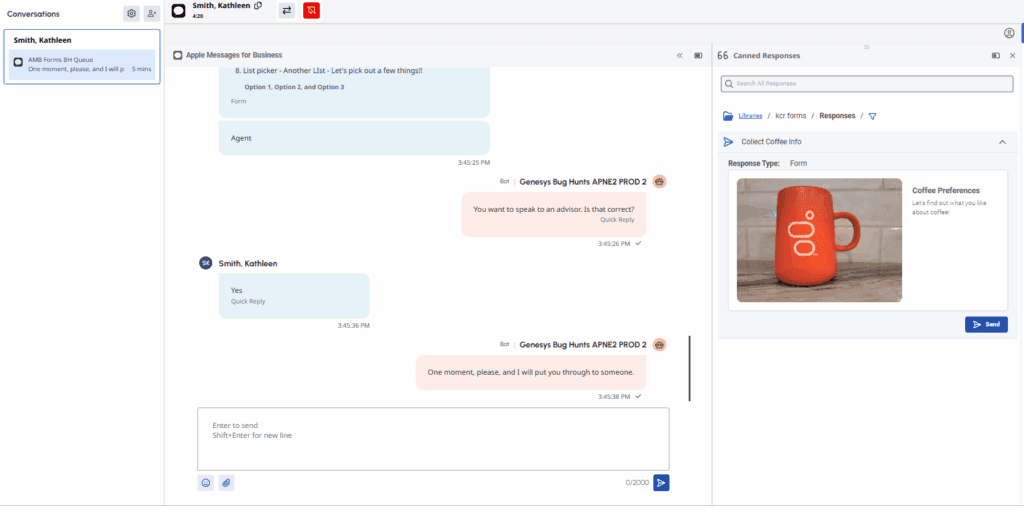
- Agents – Agents can select and send Form messages from the Canned Response panel to customers using Apple Messages for Business.
UI enhancements:
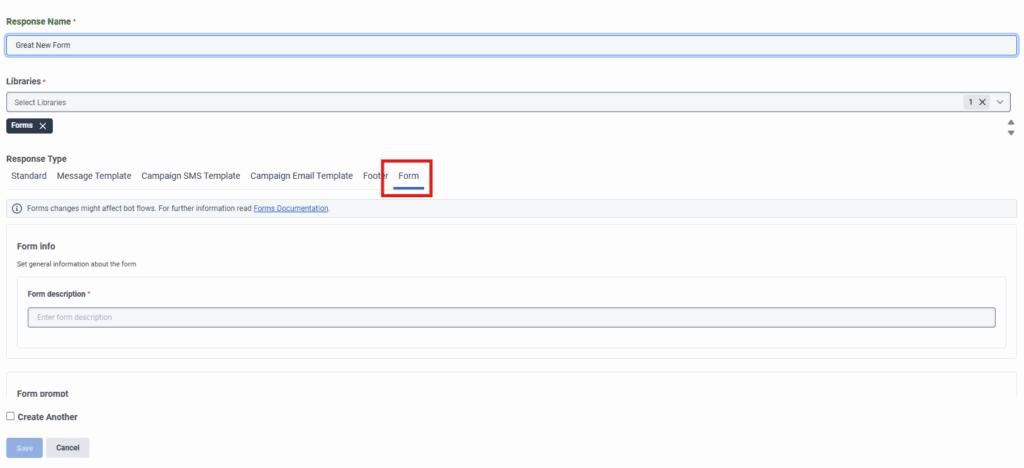
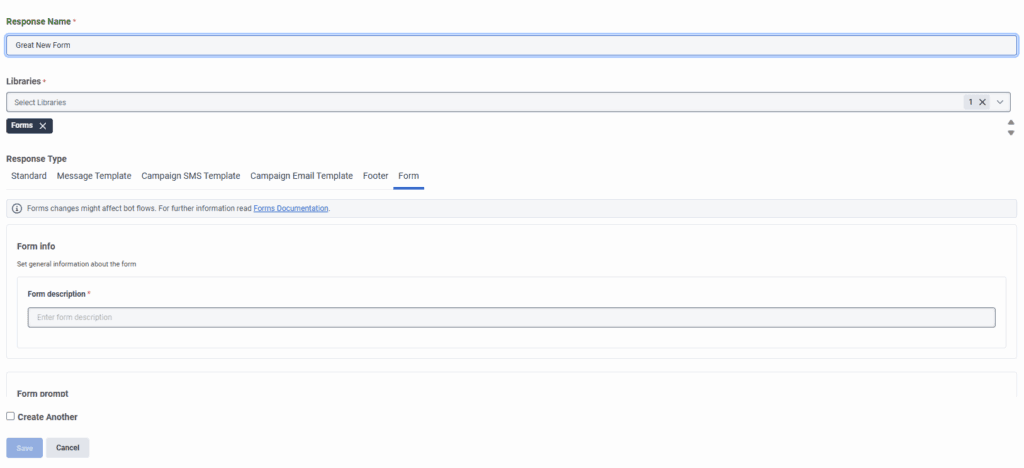
- New Form tab in Canned Responses. A dedicated Form tab appears within the Canned Responses interface. Administrators use this tab to configure Form messages by selecting and arranging the following page components:
- Form introduction page
- Date picker
- List picker
- Carousel picker
- Data input fields
- Form summary page
- Ask for Form action. This feature enables bot authors to configure and send a Form to end customers during automated interactions.
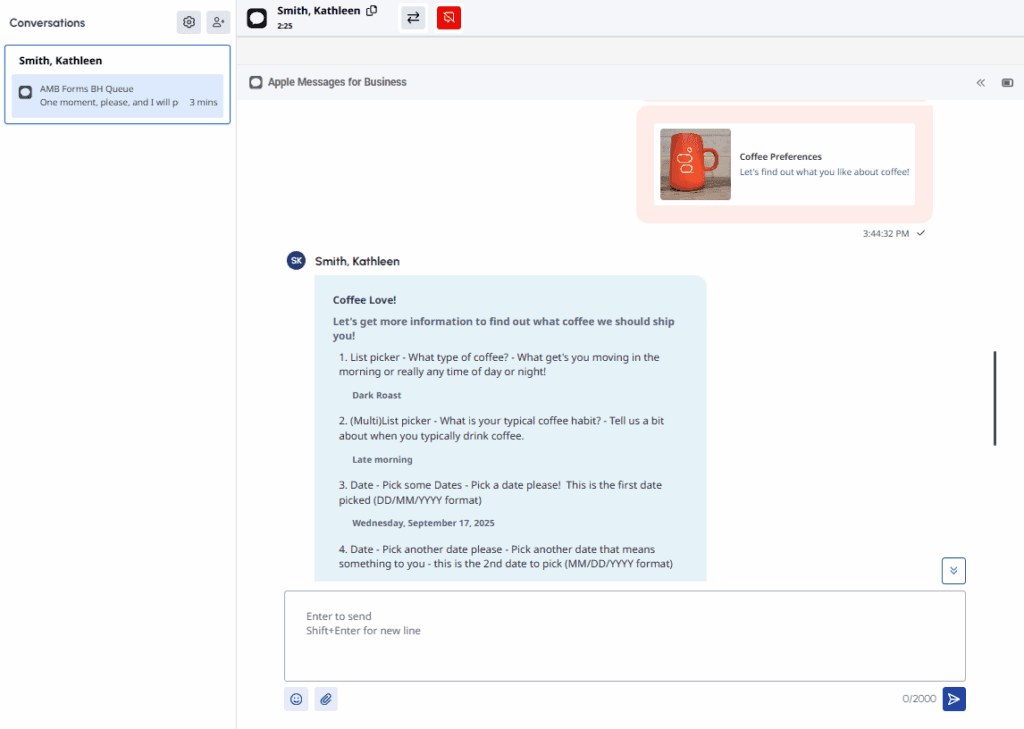
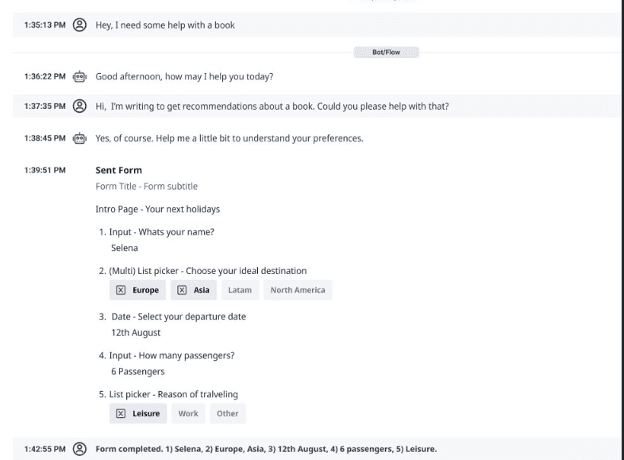
- Example Form display. The following illustration shows how Forms are rendered within the agent authoring interface and on a customer’s Apple device:
- Agents can access Form canned responses directly from the Canned Response Panel. These responses allow agents to send forms for customers to fill out during a conversation.
- Customer-submitted form responses appear in the messaging transcript, providing agents with a seamless view of the interaction.
- Supervisors can review form responses in the Transcript UI, provided the interaction was recorded, enabling better oversight and coaching opportunities.
[NEXT] Was this article helpful?
Get user feedback about articles.