Set up voice transcription in ServiceNow Agent workspace
With the Unified Experience from Genesys and ServiceNow integration, agents can view live transcripts of Genesys Cloud voice interactions directly in the ServiceNow agent workspace.
When your Genesys Cloud organization is configured for voice transcription, live transcripts of voice interactions are published to ServiceNow automatically. During a call, utterances from both the agent and the customer appear in the active call viewer in the ServiceNow agent workspace within a few seconds. Each utterance is labeled with the speaker.
Transcription starts for all calls, with no action from the agent. When the call disconnects, the transcription ends and the interaction record in ServiceNow closes. After the call, the transcript is also available in the Internal Transcript section of the interaction record.
- When a call is transferred, anything that the first agent says just before the transfer might appear in the transcript as spoken by the agent who receives the call.
- After the call ends, the Internal Transcript section can display a ‘-‘ while the transcript loads. To view the post call transcript in such scenario, refresh the page.
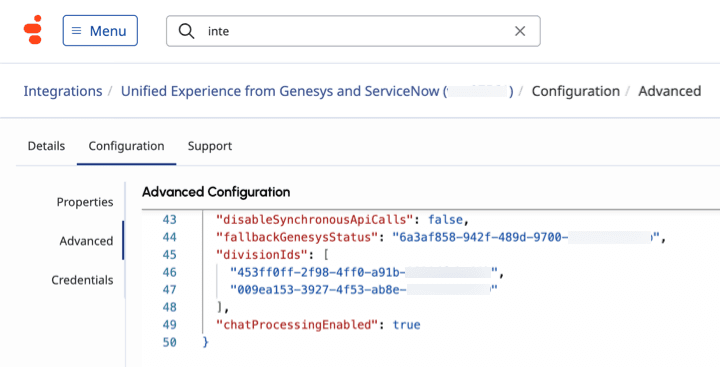
For agents to view voice transcripts in their ServiceNow workspace, follow these steps to set up voice transcription in Genesys Cloud:
[NEXT] Was this article helpful?
Get user feedback about articles.