After call work in CX Cloud
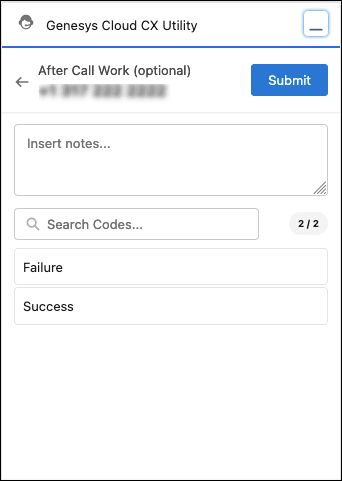
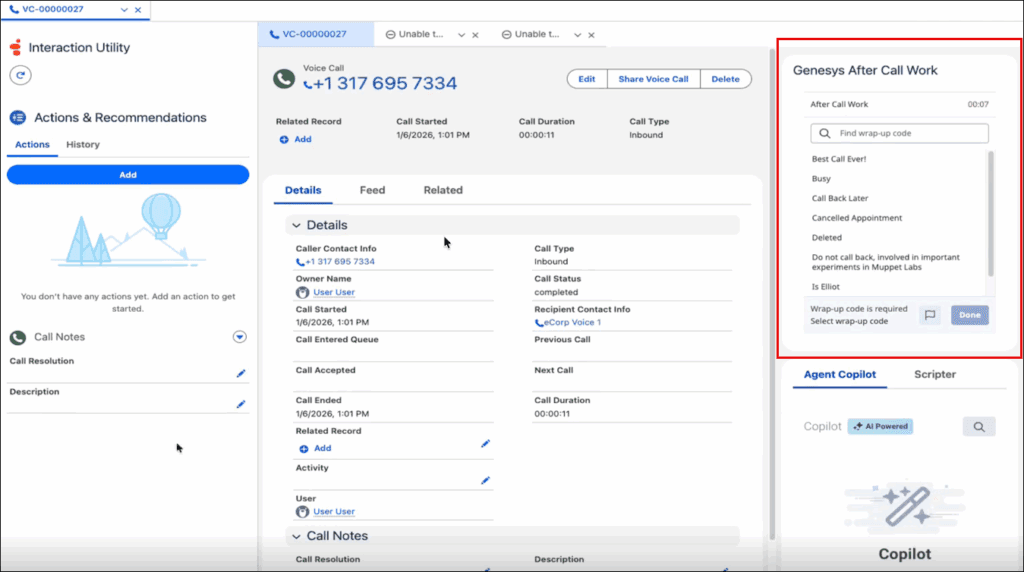
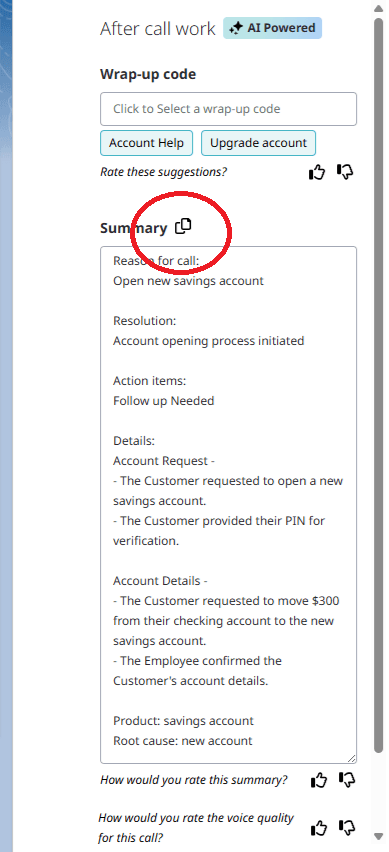
Use After Call Work (ACW) to indicate the outcome of an interaction. If your administrator has set the after call work codes and time for an interaction in a queue, then the After Call Work window in Genesys Cloud CX Utility or the stand-alone component opens automatically when an interaction ends. When your administrator has set the Agent Requested option for after call work option in the corresponding Genesys Cloud queue, you get to select the option to request after call work. In the interaction utility component, the Request after call work option appears.
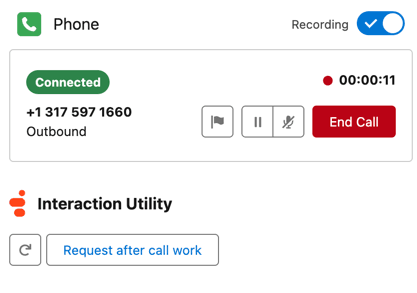 Request after call work option." class="alignnone size-full wp-image-387426" srcset="https://help.mypurecloud.com/wp-content/uploads/2023/12/request-after-call-work.png 417w, https://help.mypurecloud.com/wp-content/uploads/2023/12/request-after-call-work-300x211.png 300w" sizes="auto, (max-width: 417px) 100vw, 417px">
When you select the option, the option is highlighted in blue as shown in the following screenshot:
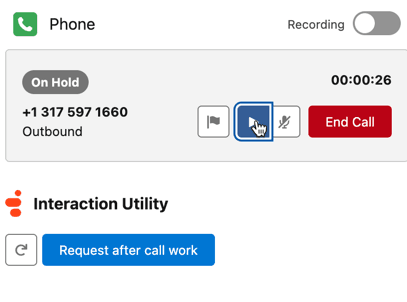 Request after call work option selected." class="alignnone size-full wp-image-387428" srcset="https://help.mypurecloud.com/wp-content/uploads/2023/12/request-after-call-work-select.png 407w, https://help.mypurecloud.com/wp-content/uploads/2023/12/request-after-call-work-select-300x223.png 300w" sizes="auto, (max-width: 407px) 100vw, 407px">
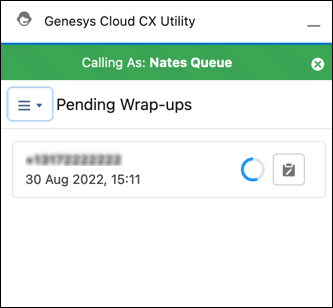
You can either use the Genesys Cloud CX Utility or the after call work stand-alone component to complete the after call work.
[NEXT] Was this article helpful?
Get user feedback about articles.